
GS1 Data - Creating a barcode
The 13-digit GTIN is placed on the product as a barcode, so that it can be quickly and easily read at cash registers and in the supply chain. In most cases, a packaging designer or a printing house will only need a GTIN code, whose series of numbers they themselves convert into a barcode for the printed material. If you print the barcode yourself, make sure that the print quality is sufficient to read the barcode. Please note that for consumer products, the barcode is created from the 13-digit GTIN code, i.e. remove the leading zero if you create the barcodes yourself outside GS1 Data.
Create a barcode for the GTIN
You can create a barcode in GS1 Data when saving or editing the product information for a GTIN. At the top of the Product information view, you will find the Download EAN-13 barcode button.
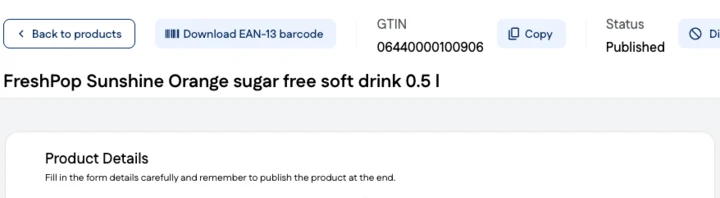
Download EAN-13 barcode saves the barcode to your computer in PDF format. Your computer settings determine the folder in which the file is saved. The image file name is the GTIN followed by .pdf, for example, 6440000100906.pdf.
Only a GTIN-13 code can be turned into a barcode in GS1 Data. GTIN-14 codes are not readable at cash registers, if necessary, an ITF-14 barcode can be created for the packaging using a trusted tool.