
GS1 Data – Secondary images
Secondary images describe, for example, a detail, purpose, texture or feature of the product. For example, with mascara, the secondary image can be an enlargement of the brush part, with clothing, a close-up of the fabric quality, or with make-up, a color sample image.
Secondary images are used if they are important in terms of product selection and purchase. Secondary images clarify a detail or feature of the product that is essential for the consumer, or provide additional information that makes the purchase easier.
It is important to separate secondary images with their own image type so that they can be recognized and placed correctly in online stores. One product can have several secondary images.
The secondary image does not replace the primary product image, but complements and details it. The secondary image cannot be marked as the main image (Primary file); the main image is always the primary product image.
Adding a secondary image
Product images are maintained centrally in the Product images group. There are separate sections for the different image types. Add images by dragging them or uploading them from your device to the Secondary images section.
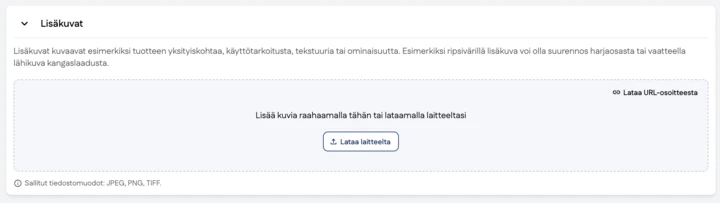
Image type
| Code | Value | Description | |
|---|---|---|---|
| F | DETAIL_TECHNOLOGY_IMAGE | Detail (Technology) Image | A photograph, line drawing, or other graphic representation of a specific feature or characteristic of a product. It is used to emphasize the detail of an object. The picture can show, for example, the inside parts of the product, a cross-section or a close-up of a part of the product. A detail image can also contain graphics or text explaining the detail. |
| T | CONTENT_TEXTURE_IMAGE | Content/texture image | An image that shows the color or surface structure of the product’s content. The picture does not show the product’s packaging, and no text or graphics are added to it. |
| N | APPLICATION_IMAGE | Application image | The purpose of the image is to provide consumers with practical information about the use of the product. The image shows the product in use, in its packaging or without packaging. The image may have a background, and the product does not need to be shown in its entirety. |
| S | SIDEKICK_IMAGE | Sidekick image | This image type is used to inform consumers about the benefits of the product. A sidekick image can use text or graphics to present product features (or claims). |
| R | AMBIENCE_MOOD_IMAGE | Ambience/mood image | This image type conveys a particular mood or lifestyle to consumers. An ambience/mood image does not contain the product itself. For example, an ambience/mood image may show a jungle, clouds or a field. |
Examples of secondary images
The following are the most typical examples of secondary images.
Color sample image of a cosmetic product
Image type: Content/texture image
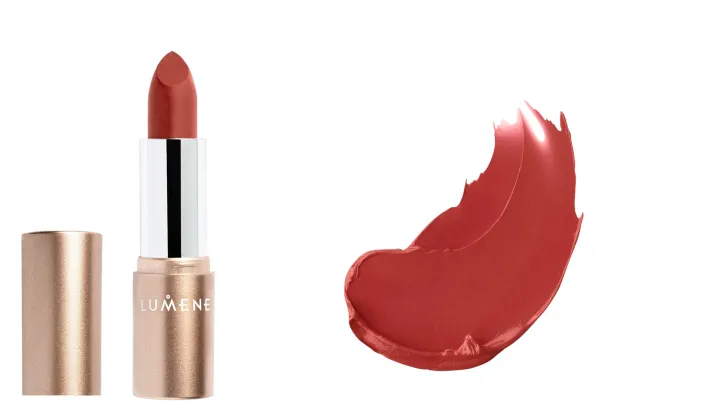
Image of the color and texture of the cosmetic product
Image type: Content/texture image
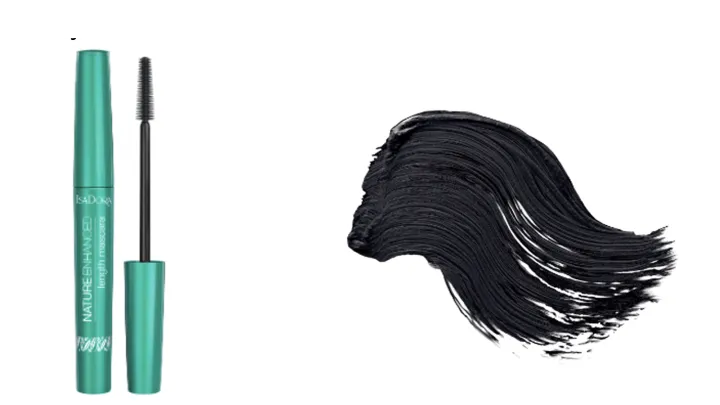
Detailed picture of the essential part of the product
Image type: Detail/technology image

Picture of fabric quality
Image type: Content/texture image
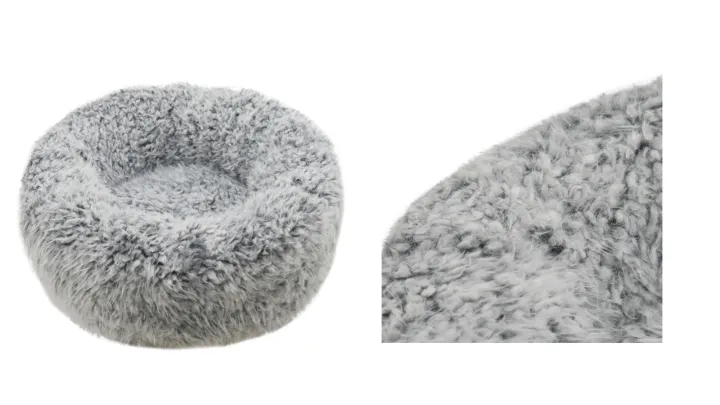
Picture of a product detail
Image type: Detail/technology image
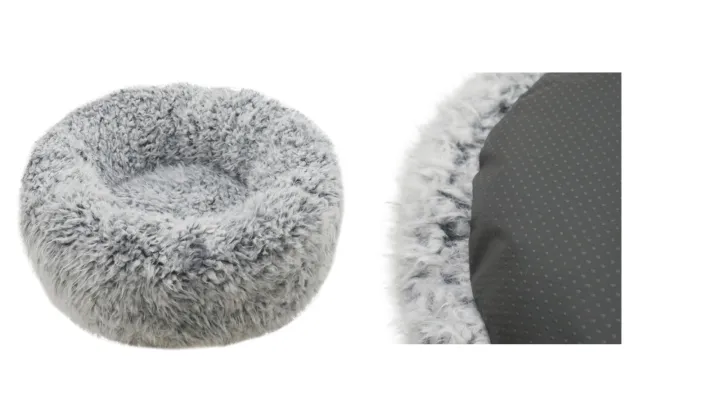
Example of an application image

Example of a sidekick image

Example of a sidekick image

Example of an ambience/mood image

Information that can be given to the picture
| Alternate Text | The text equivalent (alt-text) describes the image, improving the accessibility of online content. |
| Language Code | Tells which language appears in the product image. Used if many different images of the product are published in which different languages appear. |
Naming a secondary image
GS1 Data will name the picture with the GTIN of the product that the picture is given to. If there is a name, that is correctly named according to standard, it will set the values in the data fields accordingly. In GS1 Data, the secondary image is separated from other images using the image type information. In the Image type field, select for example, Content/texture image.
Example: 09520123456788_F _s01.jpg
In addition to the above, you can indicate voluntary additional information separated by an underscore in the file name. There can be one or more additional details. For example the sequence number, reported as a 2-digit number preceded by the letter s (s02).
Secondary image material requirements
| File format | JPEG, PNG or TIFF (LZW compressed) |
| Image size | Longer side of the image 600–4800 px |
| Color space | RGB |